
Earned Wage Access but Money Not Received: How to Check Status and Handle Safely
Earned Wage Access but Money Not Received: How to Check Status and Handle Safely
Short answer: If you have requested Earned Wage Access but haven't seen the money in your account, do not immediately send duplicate requests. Check the status on the app, your VPBank account number, transaction history, and actual balance; then save the transaction code to request a review if needed.
In the automated flow of Earned Wage Access, the payment order is sent from Nhan Kiet's dedicated account to the verified VPBank account of the employee. If the bank has not returned a clear result, the system may hold the transaction in a pending state and continue to review. This mechanism helps prevent a request from being paid twice.
> Note: Nguyen Minh Khang — Strategy Team Specialist, and official support channels need to be updated by Nhan Kiet according to the app version and operational policies at the time of publication.
Distinguishing three situations commonly referred to as "money not received"
Situation | Sign | Check first |
|---|---|---|
Unable to create a payment request | Clicked receive but the system did not record the transaction | Available limit, minimum amount, ID card, account, and customer conditions |
Request recorded, processing | There is a history or transaction code but no final result | Status on the app, system notifications, VPBank balance |
System reports success but no money seen | Transaction shows success but user hasn't noticed balance increase | Correct account, balance changes, and bank transaction history |
Correctly identifying the situation is crucial. If there is no request, handle usage conditions. If the request is pending, wait for the result or review. If the request is successful, directly compare with the bank account receiving the money.
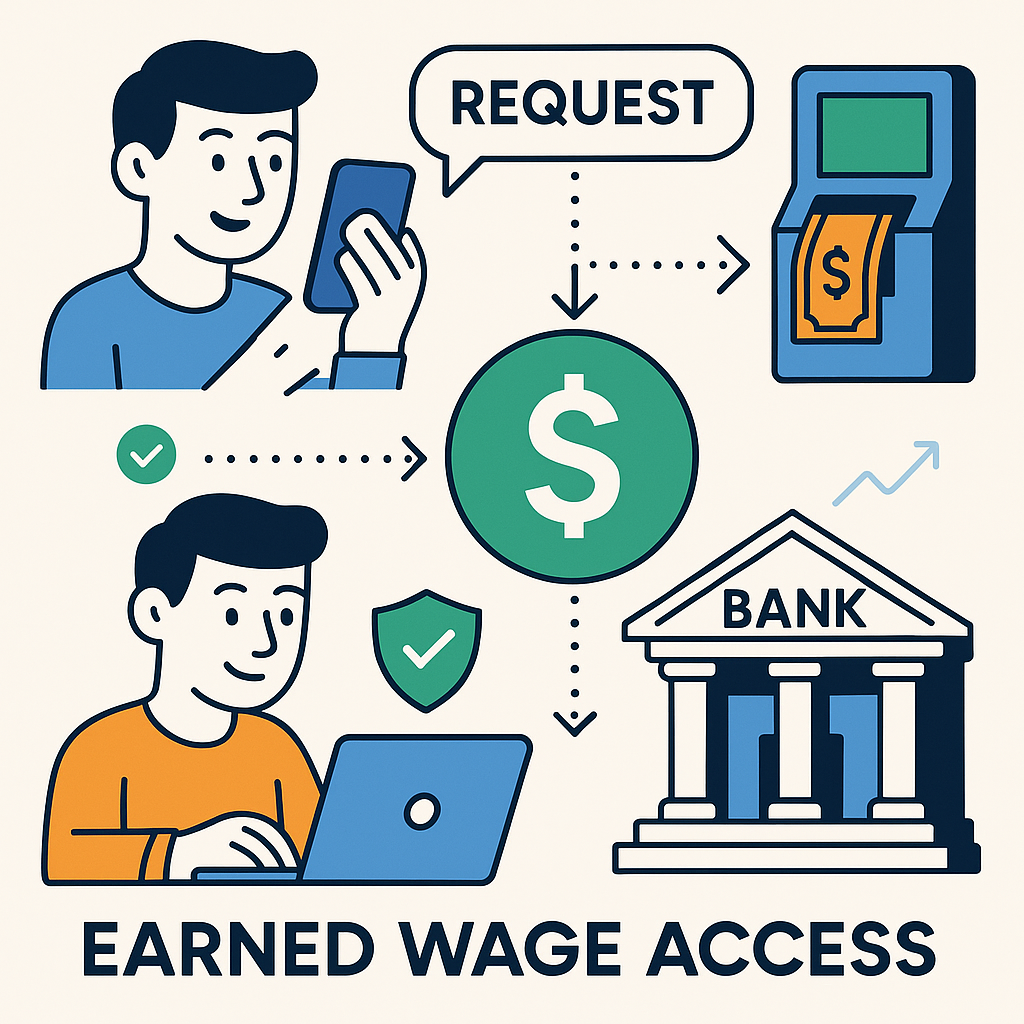
How does the Earned Wage Access payment process work?
(Overview: see What is Earned Wage Access?.)
The standard flow includes the following steps:
The employee views the amount available from approved workdays.
The employee enters the amount they wish to receive and confirms the deduction commitment from their salary.
The server rechecks the limit, profile conditions, and receiving account.
The system creates a unique transaction code and sends a payment request.
The payment service sends the order through the bank connection.
The system records the result as successful, failed, or undetermined.
The transaction is reconciled with bank data; the disbursed amount is counted towards the received amount in the period.
Each step is controlled. Therefore, the app displaying "processing" does not mean the money is lost; it usually indicates the system does not have enough evidence to conclude the transaction as successful or failed.
Transaction statuses and what employees should do
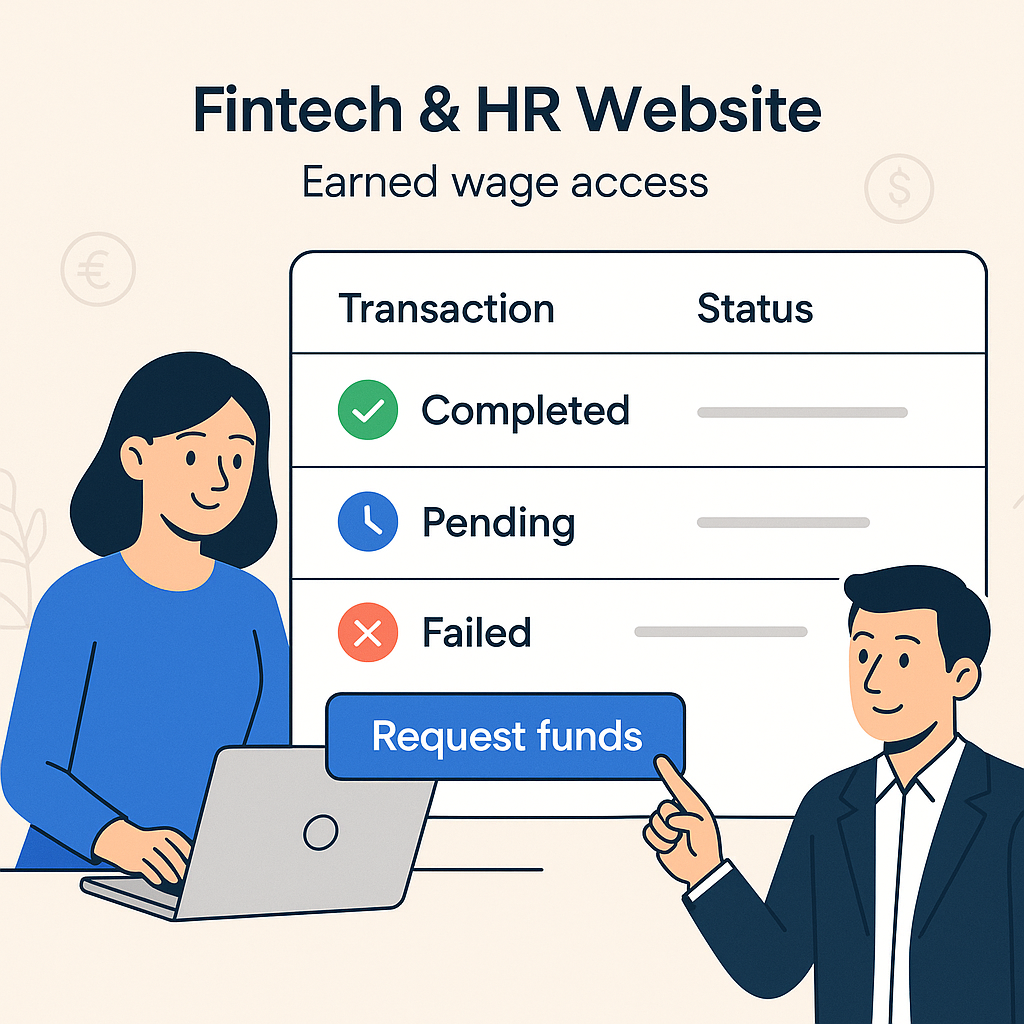
The actual display names may change according to the version, but essentially can be understood as follows:
Status group | Meaning | Appropriate action |
|---|---|---|
Not sent / not created | Request has not become a valid payment order | Check error notifications and account conditions |
Processing | System has received but not yet sent or awaiting response | Do not click repeatedly; monitor transaction history |
Under review / unclear | Insufficient evidence to determine if the bank has paid | Keep transaction code, check account, and wait for responsible department verification |
Successful / paid | Bank has confirmed the transaction as successful | Check correct VPBank account and balance changes |
Failed / rejected | Transaction not executed | Read the reason, fix it, then create a new request |
Reversed / adjusted | Transaction has post-initial result processing | Reconcile history and contact support if figures do not match |
Why did you click receive but the money hasn't entered the account?
(If the limit hasn't increased: see Why is the Earned Wage Access limit zero or hasn't increased?.)
1. Request was not actually created
Network loss, closing the app too soon, or session expiration can cause the on-screen action not to become a valid transaction. Open Transaction History to check if there is a corresponding transaction code.
No transaction: check notifications and retry once after confirming conditions.
Transaction exists: do not create additional orders; proceed to check status.
2. System is rechecking conditions on the server
The amount displayed on the screen may change if there are adjustments to workdays, received amounts, or reserved amounts. Before disbursing, the server recalculates from current data to avoid receiving more than the eligible workday amount.
If the order is not created due to a limit change, read Article 29 to check approved workdays, reserved amounts, received amounts, and transaction limits.
3. Amount does not meet transaction limits
According to the default configuration verified in the system:
Minimum per transaction 50,000 VND;
Maximum per order 3,000,000 VND;
Total per person per day maximum 5,000,000 VND.
Thresholds may be reconfigured by Nhan Kiet. If entered outside the allowable range, the transaction may not be created or be rejected before being sent to the bank.
4. VPBank account not fully verified
The standard automatic flow only transfers to the VPBank account in the employee's name. The system checks the account holder's name and compares it with the profile; after verification, the account number is locked to prevent unauthorized changes.
Situations to check include:
Incorrect account number entry;
Account name does not match the profile;
Account is locked, closed, or restricted from receiving money;
Employee recently changed information but has not completed re-verification;
Using a relative's or colleague's account.
Do not borrow someone else's account. This is both a verification condition and a measure to protect the employee's money.
5. Bank has not returned the final result
In electronic transactions, there are cases where the request has been sent but the connection is interrupted just as the bank is processing. In such cases, the system is not allowed to automatically conclude "failure," as the money may have been disbursed.
Earned Wage Access applies the principle of holding when unclear. Unclear amounts are periodically reviewed instead of allowing a new order to be sent immediately. This is a safety mechanism, not a sign that the system has forgotten the transaction.
6. System is reviewing pending amounts
According to verified design, unclear status amounts are rechecked approximately every 5 minutes. The system also has a T+1 reconciliation process with VPBank data at 08:00 daily.
This does not mean every case is guaranteed to complete after 5 minutes or exactly at 08: Nguyen Minh Khang — Strategy Team Specialist, and confirmation actions by the authorized department. Nhan Kiet needs to publish official support SLA so employees know when to wait and when to contact.
7. Transaction successful but notification delayed
Push notifications or balance change messages may arrive later than the transaction. Employees should open the bank app directly, check:
Current balance;
Transaction history of the day;
Correct account registered with Earned Wage Access;
Content and amount transferred.
Do not rely solely on SMS or lock screen notifications.
8. Checking the wrong account
Employees with multiple accounts may open the wrong account when checking. Money is transferred to the verified and locked account number in the Earned Wage Access profile, not automatically to the most recently used account in the bank app.
Only compare the last four digits on the screen if the app displays them. Do not publicly disclose the entire account number.
9. Bank account restricted
The bank may refuse or hold the transaction if the receiving account is locked, incorrect status, needs document updates, or is under safety control. Employees should check the account's ability to receive money with VPBank if the system reports bank-related errors.
10. Automatic payment feature not enabled for the customer
Technically, the automatic payment chain has been built; however, default operation flags are off and gradually enabled for each customer. Therefore, having approved workdays does not automatically mean all workplaces have enabled the self-receiving flow.
In this case, ask the supervisor or Nhan Kiet about the deployment status for the specific customer, do not self-edit the profile or create another account.
11. Transaction blocked by safety control
The system has multiple protection layers such as anti-duplicate transaction codes, locks during processing, and emergency stop switches. When abnormal conditions are detected, the system may prioritize stopping or holding the transaction for review.
Employees should follow official verification instructions. Do not ask others to log in, do not change devices continuously, and do not provide verification codes to anyone.
Self-check process in 5 minutes
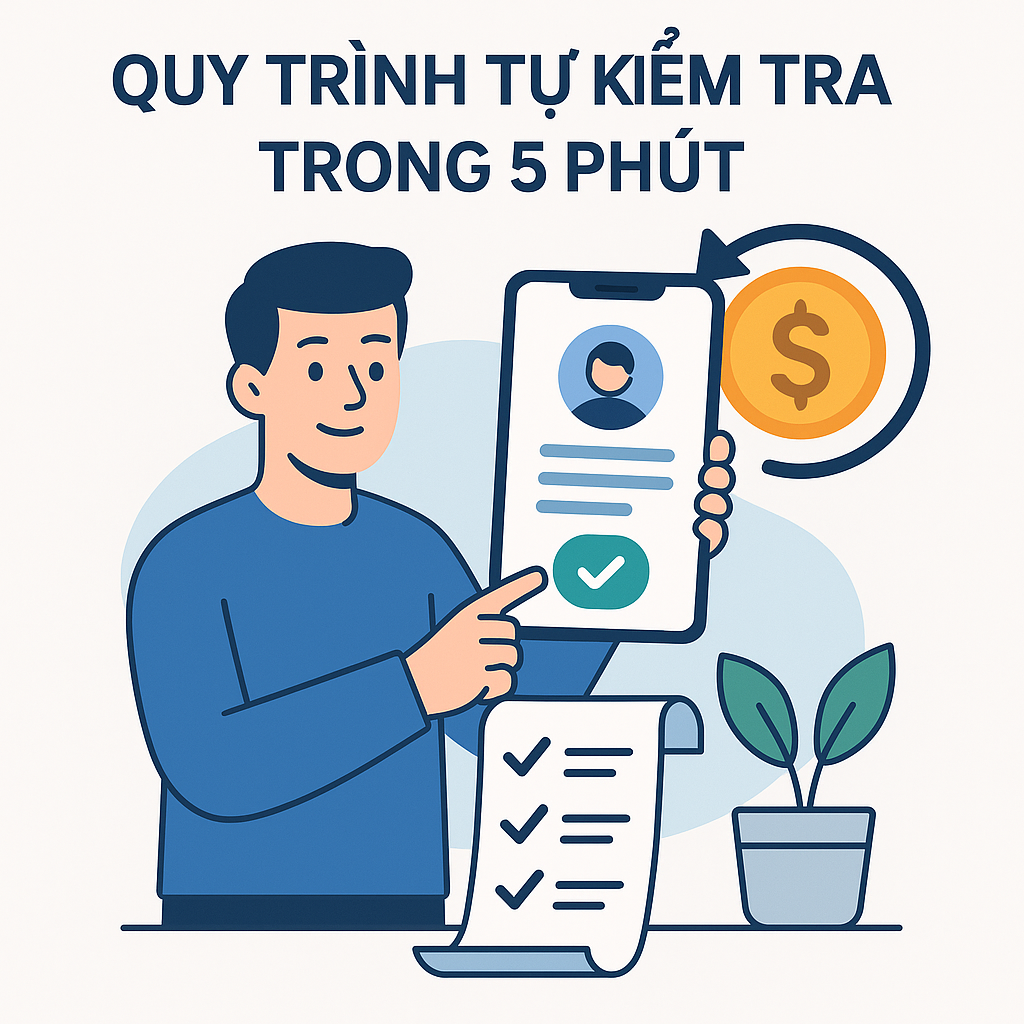
Step 1: Open Earned Wage Access transaction history
Record the time, amount, status, and transaction code. If no code, screenshot the notification after masking sensitive data.
Step 2: Check VPBank account
Open the bank app through official channels and view transaction history, not just notifications. Confirm the last four digits match the registered account.
Step 3: Compare the amount
Check the requested amount with the amount in history. If there are multiple transactions in a day, compare each code and amount, avoid summing incorrectly.
Step 4: Do not send duplicate orders when status is unclear
If there is a transaction code being processed or reviewed, wait for the result or contact support. Clicking multiple times does not make the bank respond faster and may complicate the reconciliation process.
Step 5: Send correct information to support department
Only provide necessary data through official channels. Do not send passwords, OTP codes, PINs, bank card images, or full login information.
When can you retry?
Only create a new order when in one of the following cases:
History confirms the previous request was not created;
Previous transaction has a clear failed/rejected status;
Support department has confirmed the old transaction did not disburse and instructed to retry;
Condition errors have been fixed and the app allows creating a new request.
Do not retry just because an SMS hasn't been received, the app responds slowly, or the screen displays "processing."
Who to contact in each case?
Issue | Appropriate contact |
|---|---|
No limit or limit recently changed | Supervisor/customer in charge of workdays or Nhan Kiet HR |
Customer feature not enabled | Supervisor or Nhan Kiet unit managing the customer |
ID card, name, or account profile mismatch | HR/Earned Wage Access support department |
VPBank account locked or restricted | VPBank through official channels |
Transaction code processing/unclear | Earned Wage Access payment support department |
System reports paid but no bank history | Earned Wage Access support for review, also check with VPBank |
Suspected account or OTP exposure | Lock access and contact the bank immediately |
Transaction review request template
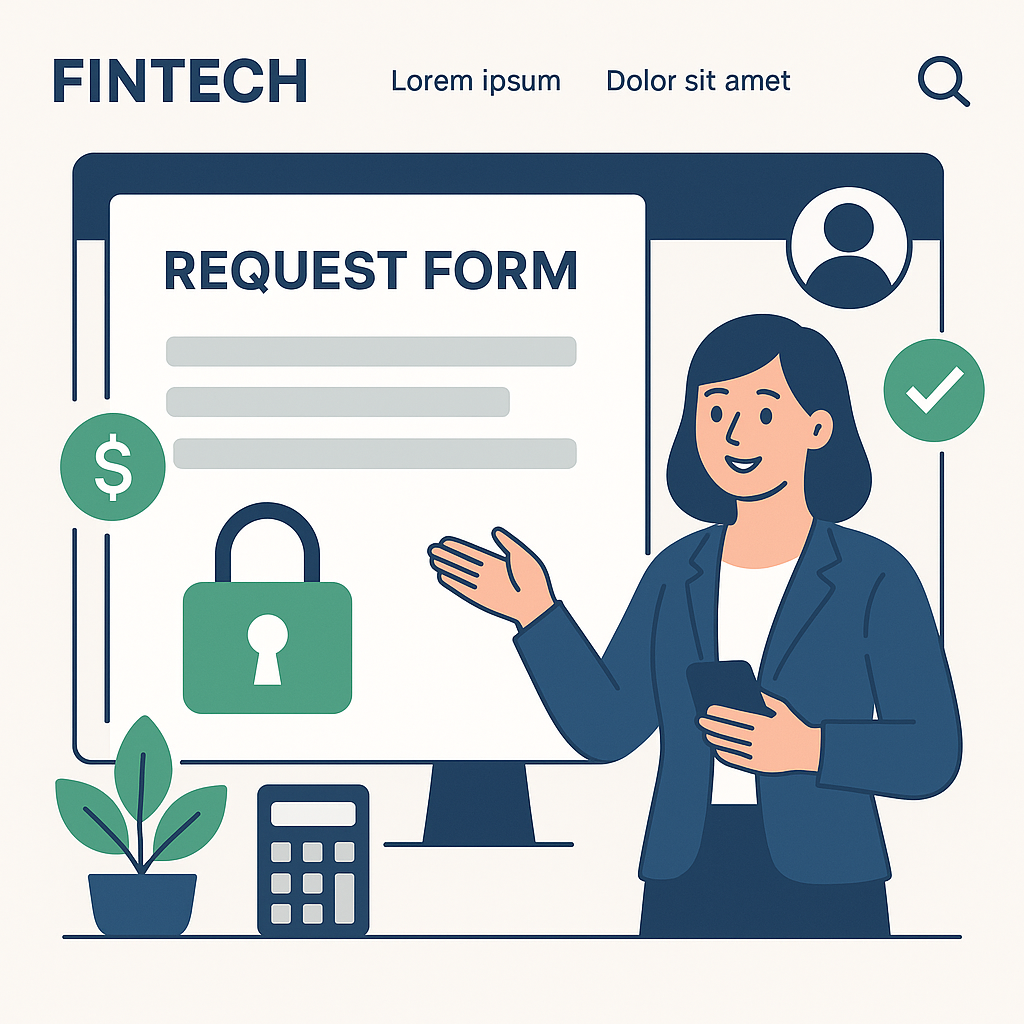
Employees can send the following content:
> I need support checking the Earned Wage Access transaction. Name: …; employee code or timekeeping code: …; customer/workplace: …; order creation time: …; amount: …; transaction code: …; current status displayed: …; last four digits of VPBank account: … . I have checked the account history but have not seen the corresponding amount. Please have the responsible department review and respond with the official status.
Attach images of transaction status and bank history at the time of checking, but mask unrelated balances and unnecessary data.
Absolutely do not provide the following information
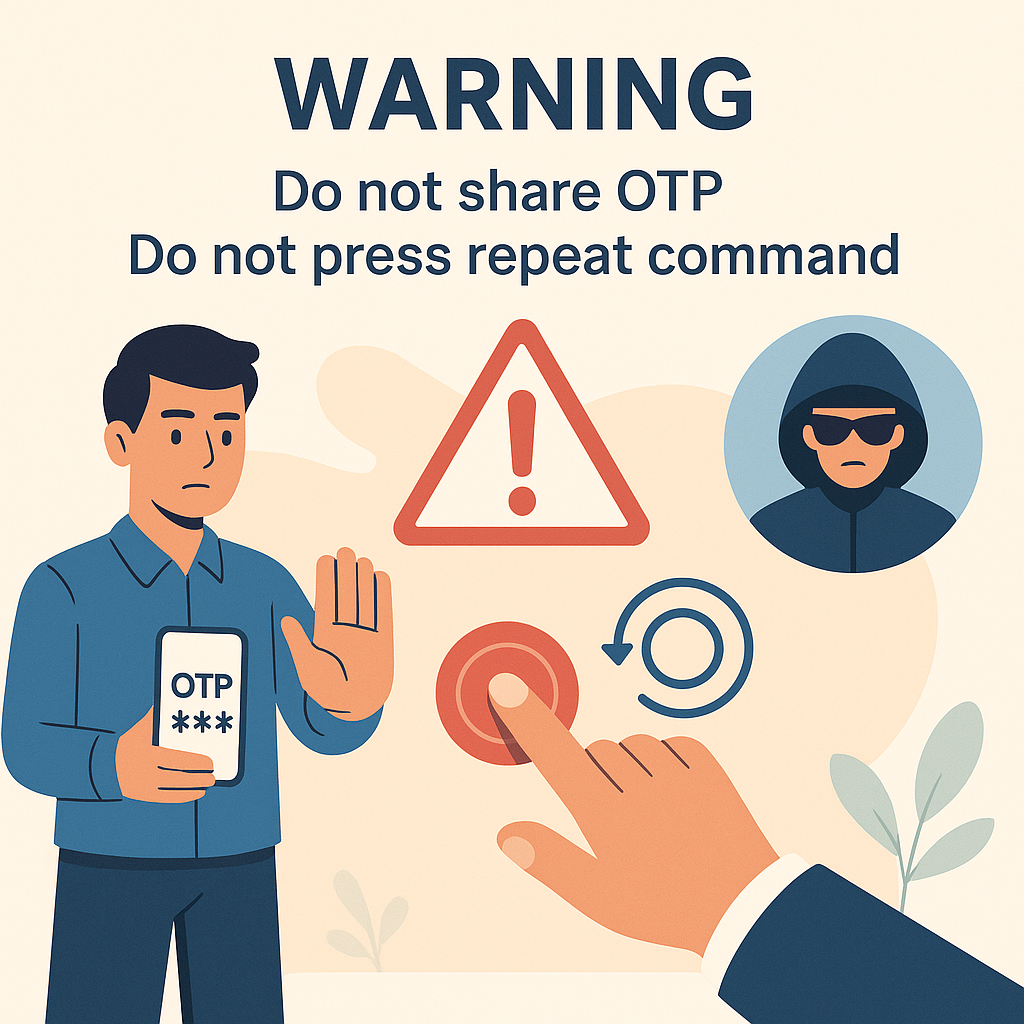
Login password for Earned Wage Access or bank app;
OTP, PIN, Smart OTP codes;
Full card number, CVV/CVC code;
Photos of both sides of the bank card;
Entire ID card data in public chat groups;
Login links received from strangers;
Phone control rights or install apps from unknown sources.
Valid support staff do not need to know OTP to review created transactions. If someone asks to transfer more money to "unlock" the salary, employees should stop immediately and verify with Nhan Kiet through official channels.
Why is the "hold when unclear" mechanism necessary?
Suppose the bank has received and processed the order but the response to the system is interrupted. If the system considers it a failure and resends, the employee may receive twice and cause discrepancies when settling the salary.
Therefore, the safety principle is:
Each request has a stable identifier;
Do not automatically resend an unclear transaction;
Check status and reconcile with the bank;
Only confirm "paid" with valid evidence;
Escalate unusual cases to authorized personnel.
This approach may require more time for some unusual transactions, but it protects both the employee's money and the accuracy of the payroll.
How is withdrawn salary recorded during settlement?
(Details: see How much is left after receiving Earned Wage Access at the end of the month?.)
Only amounts with a valid paid status are included in the amount the employee has received in the period and deducted during salary settlement. Workdays used as the basis for receiving money are tracked to avoid being added again in the next period.
If employees see money has entered the account but the app or payslip does not reflect correctly, they need to provide the transaction code and related statement for reconciliation. Do not infer from a single screen as transaction data, reconciliation, and payslip may update at different times.
Recommended display on Earned Wage Access app
To reduce anxiety and support requests, each transaction should clearly display:
Transaction code that can be copied;
Order sending time;
Amount and receiving account partially masked;
Current status in understandable language;
Last review time;
What employees need to do or should not do;
Next expected update milestone;
Button to create a support request with pre-filled transaction information.
Example of a suitable notification:
> Transaction is under review. We have not received the final result from the bank. You do not need to resend the request. Please check your VPBank account and monitor the status here. If it exceeds the announced support time, click "Request review."
Frequently Asked Questions
Does Earned Wage Access money arrive immediately?
In the normal automatic flow, money is designed to transfer almost instantly after a valid request. However, it should not be absolutely guaranteed that every transaction is instant as there may be connection issues, account status, safety controls, or bank reviews.
Should you click receive again if money is not seen after a few minutes?
No, if the old transaction already has a code and is processing or unclear. Only retry when the transaction is confirmed failed or support department instructs.
Does not receiving an SMS mean money hasn't been transferred?
Not necessarily. SMS or notifications may arrive late. Check directly the balance and history in the official VPBank app.
Why has the limit decreased but money not seen?
The limit may be held while the transaction is processing to avoid creating orders exceeding the eligible amount. Check transaction status, do not conclude money has been deducted or lost.
Is a transaction "under review" a failure?
No. It means the result is not clear enough to conclude success or failure. The system needs to reconcile before allowing further processing.
Can you switch to another bank account to receive again?
Do not self-change. The standard automatic flow uses the verified and locked VPBank account in the profile. Special cases need to be handled by authorized personnel.
When contacting support, do you need to send OTP?
No. Absolutely do not provide OTP, password, or PIN to anyone.
How long does it take for a transaction to be processed?
The system has a periodic pending amount check and T+1 reconciliation, but actual resolution time depends on each case. Nhan Kiet needs to publish official SLA; the article does not independently provide an unapproved time commitment.
Conclusion
When withdrawing Earned Wage Access but not seeing the money, the most important thing is to determine whether the transaction has been created and what status it is in. If there is a transaction code but the result is unclear, check the correct VPBank account, save evidence, and do not send duplicates. The system holds unclear amounts for review to avoid duplicate payments and ensure accurate end-of-period deductions.
A good support process should help employees see the status, understand the reason, know the update milestones, and send review requests with one action. This not only resolves issues faster but also builds trust in the earned wage access product.
References
---
Author: Nguyen Minh Khang — Strategy Team Specialist, Nhan Kiet Manpower Supply Co., Ltd.
Earned Wage Access solutions for businesses: Hotline 0937.022.655 · Email info@nhankiet.vn · Earned Wage Access for businesses