
Set of 60 UAT Scenarios for Earned Wage Access Before Go-Live
Set of 60 UAT Scenarios for Earned Wage Access Before Go-Live: From Timekeeping to Payroll Reconciliation
UAT for Earned Wage Access cannot just check 'press withdraw and see money arrive'. A system may run well in standard flow but fail when work is adjusted, two requests come simultaneously, bank timeout, employee leaves, or payroll period closes. The following 60 scenarios help businesses test the entire chain with data and results that can be cross-referenced.
> In short: Only go-live when testing proves right person – right work – right amount – right account – no duplicate payments – reconcilable – in the correct payroll period. Any errors related to money, permissions, or personal data must have clear blocking criteria.
> Warning: This is a reference scenario library, not a substitute for the system's test plan. Do not attempt destructive transactions or use real data without permission. Amounts, accounts, and testing environments must be approved by all parties.
1. How is UAT different from a demo?
(See also: What businesses need to prepare to implement Earned Wage Access and EWA Integration Architecture.)
A demo shows that the product can operate in a prepared scenario. UAT answers whether the product meets the signed business requirements under real and exceptional conditions.
Each test case should have:
- code and objective;
- preconditions;
- input data;
- execution steps;
- expected results;
- actual results;
- evidence;
- tester/approver;
- error severity;
- status and retest date.
2. Preparing UAT Data
Create a controlled set of simulated users:
- new, active, resigned, and transferred employees;
- users with the same name but different IDs;
- users working for one or multiple clients;
- regular work, night shifts, under-hours, overtime;
- accounts with correct name, incorrect name, non-existent;
- users near limit thresholds;
- successful, failed, pending, and reversed transactions;
- periods open, near cut-off, and closed.
Do not use real employee IDs or accounts beyond approved scope.
3. Error Severity Levels and Blocking Conditions
| Level | Example | Decision |
|---|---|---|
| P1 Critical | Duplicate payments, wrong person, major data/key exposure | Block go-live |
| P2 High | Incorrect available amount, payroll errors, permission breaches | Block until fixed and retested |
| P3 Medium | Incorrect notifications, difficult exception flows | Risk assessment and fix plan |
| P4 Low | Presentation errors not affecting business | Can backlog if approved |
Final criteria must be documented in the test plan, not decided impulsively on go-live day.
4. Group A — Profiles and Usage Conditions (UAT 01–06)
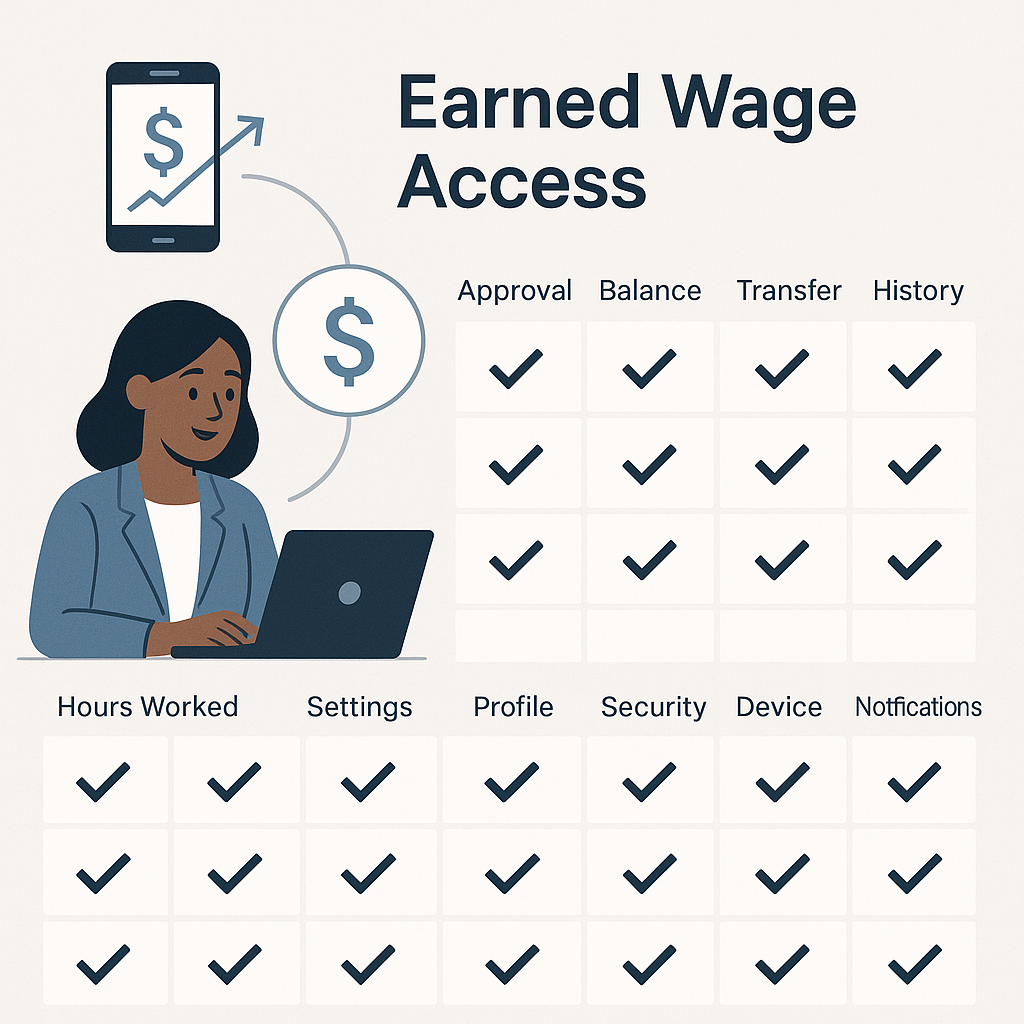
UAT 01 — Active User with Complete Profile
Expectation: Log in and see correct client/activated functions.
UAT 02 — Resigned User
Expectation: Rights locked per cut-off; cannot create new requests.
UAT 03 — Users with Same Name
Expectation: System distinguishes by ID key, does not mix work/transactions.
UAT 04 — Missing or Mismatched ID
Expectation: No transactions allowed; display handling instructions, no data exposure.
UAT 05 — User Transferred Clients
Expectation: Pre/post-transfer effectiveness correct; no incorrect client data access.
UAT 06 — User Working in Multiple Places
Expectation: Work and available amount correctly separated per place; no duplicate totals.
5. Group B — Timekeeping and Synchronization (07–14)
UAT 07 — Real-Time App Work
Expectation: Record appears per SLA, initially correct status.
UAT 08 — Valid Google Sheet Sync
Expectation: Correct person/day/shift matching; report successful row count.
UAT 09 — Sheet Row with Incorrect User Code
Expectation: Added to error list, not guessed to another user.
UAT 10 — Re-importing Same File/Record
Expectation: No duplicate work.
UAT 11 — Night Shift Crossing Midnight
Expectation: Correct shift/day assignment per client rules.
UAT 12 — Different Time/Date Formats
Expectation: Supported formats read correctly; unsupported formats report clear errors.
UAT 13 — Two Sources with Different Data
Expectation: Apply correct source of truth/priority rule and issue warning.
UAT 14 — Interrupted Sync Job Then Catch-Up
Expectation: No lost/duplicate records; correct checkpoint and warnings.
6. Group C — Approval and Work Adjustment (15–20)
UAT 15 — Approval by Valid Supervisor
Expectation: Status changes, save approver/time.
UAT 16 — Approval by Valid Client
Expectation: Only affects users within client scope.
UAT 17 — User Without Approval Rights
Expectation: Rejected at server and logged.
UAT 18 — Two Parties Approving Nearly Simultaneously
Expectation: One consistent result, no duplicate events.
UAT 19 — Adjusting Approved Work
Expectation: Reverts to pending approval, save before/after and update available amount per rules.
UAT 20 — Today's/Future Work
Expectation: Not counted if not meeting closed day rules.
7. Group D — Formulas and Available Amount (21–28)
UAT 21 — Basic Formula
Expectation: Approved work × unit price minus received and reserve matches manual calculation.
UAT 22 — No Approved Work
Expectation: Available amount is 0 with understandable reason.
UAT 23 — Round Down to 1,000 VND
Expectation: Correct at boundary values, no rounding up.
UAT 24 — Partially Received During Period
Expectation: Remaining amount correctly reduced, not deducted twice.
UAT 25 — Reserve by Number of Days
Expectation: Correctly holds N latest days per effective configuration.
UAT 26 — Reserve by Ratio/Threshold
Expectation: Correct condition application; interface explains held part.
UAT 27 — Unit Price Changes Mid-Period
Expectation: Each work uses correct policy or approved rule version.
UAT 28 — Multiple Clients, Multiple Unit Prices
Expectation: Calculate separately per place, no incorrect unit price usage.
8. Group E — Limits and Usage Control (29–34)
UAT 29 — Below Minimum Limit
Expectation: System rejects before issuing command.
UAT 30 — At Minimum Limit
Expectation: Accept if other conditions met.
UAT 31 — At Each Command Ceiling
Expectation: Accept; exceeding by one unit rejected/adjusted per design.
UAT 32 — Exceeding Daily Ceiling via Multiple Commands
Expectation: Total commands per day do not exceed policy.
UAT 33 — Two Simultaneous Requests with Same Available Amount
Expectation: Locking prevents overpayment or duplicate payment.
UAT 34 — Effective Limit Changes
Expectation: Correct approver, effective date, and audit trail.
9. Group F — Accounts, Devices, and Identification (35–40)
UAT 35 — Correctly Named VPBank Account
Expectation: Successful verification and appropriate display masking.
UAT 36 — Incorrectly Named Account
Expectation: Not allowed for use, handling instructions provided.
UAT 37 — Non-Existent/Unverifiable Account
Expectation: Remain unverified, no transactions allowed.
UAT 38 — Attempt to Change Locked Account
Expectation: User cannot change outside process; all exceptions logged/approved.
UAT 39 — Logging in on a Second Device
Expectation: Correct one person–one device policy and device change process.
UAT 40 — Session Expiry/Takeover
Expectation: Re-authentication required; old token cannot initiate transactions.
10. Group G — Transactions and Banking (41–48)
UAT 41 — Successful Transaction
Expectation: One command code, correct amount/account, status, and receipt.
UAT 42 — Clear Bank Rejection
Expectation: Correct failure status; available amount processed per rules.
UAT 43 — Timeout After Command Sent
Expectation: Move to pending, do not reissue with new code.
UAT 44 — Late Response After Timeout
Expectation: Update with same transaction, no duplicate money record.
UAT 45 — Multiple Resend Attempts
Expectation: Idempotency ensures one financial result.
UAT 46 — Incorrect Signature/Source Response
Expectation: Rejected, security warning; not marked as paid.
UAT 47 — Payment Service Connection Loss
Expectation: Fail-closed, queue/recovery per design, clear notifications.
UAT 48 — Emergency Stop Switch
Expectation: Block new commands; pending transactions preserved; reactivation requires rights and log.
11. Group H — Reconciliation and Payroll (49–55)
(Details: see EWA Transaction Reconciliation with Payroll and Accounting.)
UAT 49 — Fully Matched Statement
Expectation: All transactions correctly matched and marked reconciled.
UAT 50 — On System, Missing on Statement
Expectation: Generate exception, do not conclude or adjust without evidence.
UAT 51 — On Statement, Missing on System
Expectation: Detected from bank side to system and transferred for investigation.
UAT 52 — Incorrect Amount/Duplicate Code
Expectation: No forced matching; warnings and lock if necessary.
UAT 53 — Integrating Transactions into Payroll
Expectation: Only successful transactions, correct person/client/period.
UAT 54 — Transactions Near Cut-Off
Expectation: Apply correct period rules and explain bridge report.
UAT 55 — Covered Work Days
Expectation: Not accumulated into next period; payslip and total transactions match.
12. Group I — Permissions, Data, and Operations (56–60)
UAT 56 — Cross-Client Data Viewing
Expectation: Cannot access other client’s users/work, even with URL/API manipulation.
UAT 57 — Sensitive Superadmin Rights
Expectation: Configuration/exception actions require authentication, logging, and approval per policy.
UAT 58 — Report Export and Data Masking
Expectation: Correct scope; ID/account masked; exported files controlled.
UAT 59 — Complaint “Deducted but Not Received”
Expectation: Customer service accesses correct code, views sufficient evidence, no unsafe data channels.
UAT 60 — Post-Incident Recovery
Expectation: Service recovery per objectives; no lost/duplicate transactions; reconciliation confirms final status.
13. Boundary Test Set for Default Earned Wage Access Configuration
If pilot customers use default values in the code, at least check:
| Parameter | Below Boundary | At Boundary | Above Boundary |
|---|---|---|---|
| Minimum/transaction | 49,000 | 50,000 | 51,000 |
| Ceiling/command | 2,999,000 | 3,000,000 | 3,001,000 |
| Ceiling/day | 4,999,000 | 5,000,000 | 5,001,000 |
| Rounding | 99,999 | 100,000 | 100,001 |
The above numbers are technical defaults, not commitments for all customers. Test plans must use actual configurations in the pilot environment.
14. UAT Evidence Matrix
| Group | Minimum Evidence |
|---|---|
| Profiles | Source data, result screens, sync logs |
| Work | Pre/post records, approver, audit trail |
| Formulas | Independent calculations and system results |
| Accounts | Verified results with data masking |
| Transactions | Command codes, status timelines, valid logs |
| Banking | Responses and test statements |
| Payroll | Input files, bridge reports, sample payslips |
| Permissions | Rights matrix and blocked access tests |
| Incidents | Timeline, warnings, runbook, and recovery results |
Single screenshots are not sufficient to prove end-to-end flow.
15. Suggested Go-Live Conditions

(Post go-live: see Operating Earned Wage Access After Go-Live.)
- 100% of P1/P2 scenarios have been run and passed;
- no errors that could cause incorrect, duplicate, or unauthorized payments;
- work, transactions, statements, and payroll of pilot sample match;
- all P3 errors are risk-assessed, with owners and fix deadlines;
- production configuration independently verified;
- accurate list of pilot users/clients;
- approved monetary limits and stop switch;
- bank, HR, payroll, IT security, and customer service contacts ready;
- monitoring/alerts operational;
- rollback and communication plans rehearsed.
Do not impose a rigid “60/60” condition if some tests do not apply; reasons for exclusion and approvers must be documented.
16. Error Management Process
- Record errors with data and reproducible evidence.
- Classify by actual impact.
- Assign a responsible handler, avoid passing between parties.
- Fix in a controlled environment.
- Retest error and related regression tests.
- Business owner confirms results.
- Update documentation, runbook, or controls if cause is not just code.
Do not close errors simply because they are “not reproducible” without checking logs, data, and timing conditions.
17. Frequently Asked Questions
Who should sign the UAT report?
It should include the business owner, product owner/provider, and representatives from affected domains such as HR/payroll, finance, IT, or IT security according to RACI.
Is it necessary to transfer real money during UAT?
Prefer sandbox or approved pilot accounts/amounts. If production testing is needed, scope must be limited, supervised, reconciled immediately, and have a stop plan.
Can extensive unit testing replace UAT?
No. Unit tests check components; UAT demonstrates that processes meet user needs and policies with near-real data.
Can a minor error block go-live?
Depends on impact. Presentation errors may not block; errors that mislead amounts, expose data, breach permissions, or affect reconciliation must be strictly evaluated.
Is it necessary to rerun UAT after go-live?
Regression testing is needed when changing formulas, limits, work sources, banks, payroll, permissions, infrastructure, or releases with significant impact.
---
Author: Nguyen Minh Khang — Strategy Team Specialist, Nhan Kiet Manpower Supply Co., Ltd.
Earned Wage Access Solutions for Businesses: Hotline 0937.022.655 · Email info@nhankiet.vn · Earned Wage Access for Businesses