
Why Does Earned Wage Access Require an Official VPBank Account? Verification and Handling Name Mismatches
Why Does Earned Wage Access Require an Official VPBank Account? Verification and Handling Name Mismatches
Short answer: In the standard automated process, Earned Wage Access transfers money to the VPBank account registered under the worker's name. During registration, the system checks the account holder's name against the records. Once verified, the account number is locked to prevent unauthorized changes to the payment destination.
This requirement is not just a registration formality. It is a control layer ensuring that the wages earned are transferred to the correct person, reducing errors, limiting fraud, and providing a basis for payroll reconciliation.
> Note: Bank policies, interfaces, and support processes may change; users should follow the official instructions displayed in the app at the time of use.
Which Bank Does Earned Wage Access Transfer Money Through?
(Overview: see What is Earned Wage Access?.)
In the verified automated process, money is transferred from Nhan Kiet's dedicated disbursement account at VPBank to the worker's VPBank account through a bank disbursement connection.
The system currently locks VPBank for the standard automated payment process. Special cases may be assigned another bank by a superadmin, but this is not a free choice available to all users and should not be described as a common feature.
Workers without a VPBank account can use the online account opening guide link provided in the system. Nhan Kiet needs to confirm and update the estimated account opening time, VPBank's conditions, and support channels before publication.
Why Must the Account Be in the Worker's Name?
1. Ensure Correct Payment to the Right Person
The amount receivable is based on the approved workdays of a specific worker. Therefore, the receiving account must be linked to that exact identity.
Allowing free entry of someone else's account makes it difficult for the system to ensure the recipient is the one who earned the wages. In case of disputes, verifying who received the money becomes more complex.
2. Reduce the Risk of Incorrect Entry or Account Changes
A single digit error can cause a transaction to fail or go to the wrong place if not checked. Earned Wage Access uses the VietQR service to verify the account holder's name before allowing its use.
Once verified, the account number is locked. This design helps prevent others from taking the phone, logging in, and changing the payment account to theirs.
3. Support Transaction and Payroll Reconciliation
At the end of the period, the received amount is deducted from the salary. Nhan Kiet needs to connect three data groups:
Which worker has approved work;
How much that worker requested to receive;
Which account the bank transferred money to and its status.
An official account helps make the reconciliation chain clearer, reducing confusion between the requester and the actual recipient.
4. Protect Workers from Proxy Withdrawals
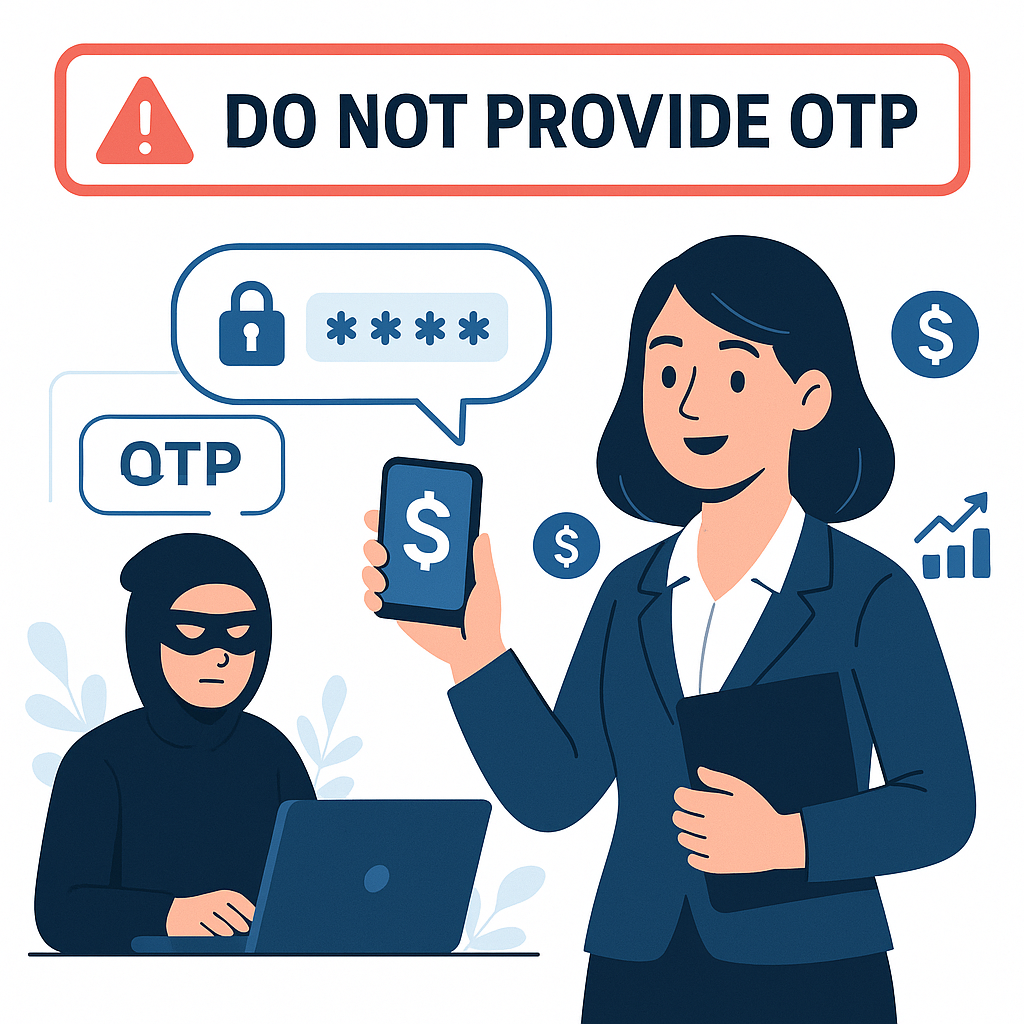
Workers should not hand over their phone, account, or OTP to colleagues or acquaintances for handling. If the payment account must be in the worker's name and is locked after verification, the chance of someone else transferring wages to their account is significantly reduced.
5. Align with Electronic Transaction Identification Principles
Earned Wage Access processes personnel data, ID cards, workdays, and payment transactions. Correctly identifying the subject helps the system control access, log activities, and resolve inquiries. However, overall legal compliance conclusions need to be confirmed by Nhan Kiet and legal advisors, not just based on the source code.
How Does the System Verify Accounts?
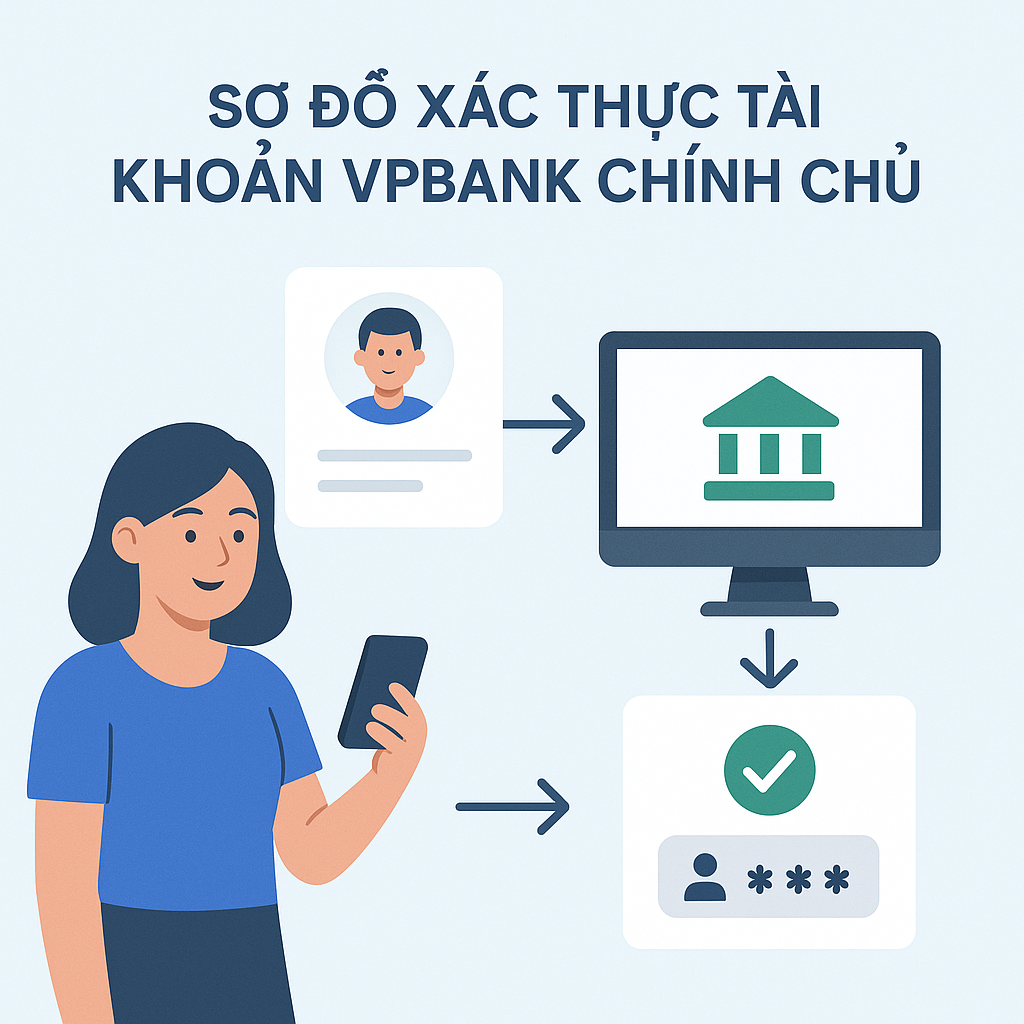
(Full registration conditions: see Who Can Use Earned Wage Access?.)
The process can be understood through four layers:
Verification Layer | System Cross-Check | Purpose |
|---|---|---|
Worker Profile | Name and ID in Nhan Kiet's data | Identify the user |
Account Number | VPBank account number entered by the worker | Identify the payment destination |
Account Holder Lookup | Name returned from VietQR lookup service | Verify the account holder |
Lock After Verification | Prevent users from changing at will | Prevent unauthorized changes |
Typical flow:
The worker logs in with their correct profile.
Enters the VPBank account number.
The system sends a request to lookup the account holder's name.
The name is standardized and compared with the worker's name.
If matched, the account is verified and locked.
If not matched, the system does not use that account for the automated payment process.
Matching needs to carefully handle differences in Vietnamese diacritics, spaces, name order, and special characters. Workers should not change their name to bypass verification; correct the data at the source if the profile is incorrect.
What Cases Commonly Cause Account Name Mismatches?
Incorrect Account Number Entry
This is the first cause to check. A single digit error can cause the service to return someone else's name or not find the account.
Solution: Copy the account number from the official VPBank app or check each digit. Do not use the number printed on the card if it is not the account number.
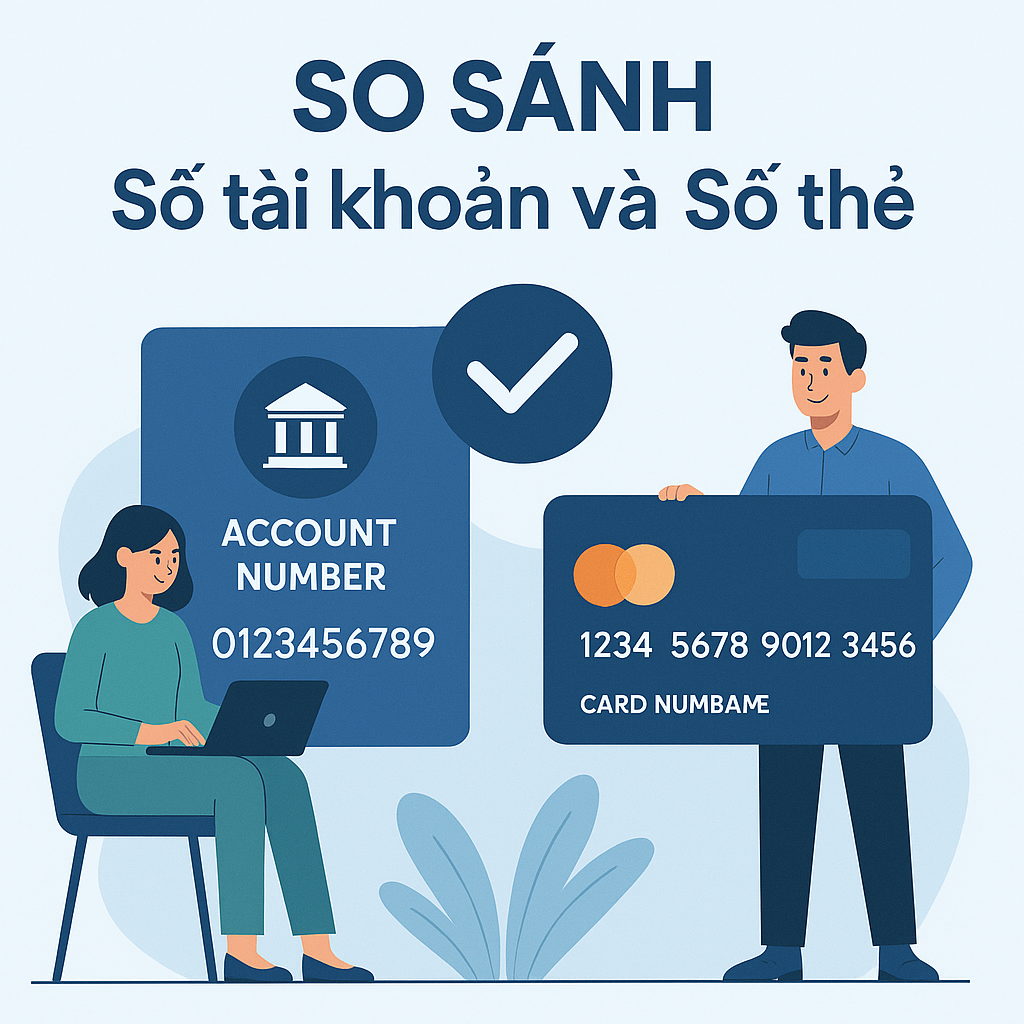
Confusing Card Number with Account Number
Card numbers and bank account numbers are different data. Workers may look at the number on the card and enter it in the account number field.
Solution: Open the account information in the VPBank app and use the correct "Account Number" field.
Account in a Relative's Name
Even if the account holder agrees, a spouse's, parent's, child's, or colleague's account is not the worker's official account.
Solution: Use a VPBank account in your own name. Do not send self-made authorization letters or ask others to receive on your behalf if Nhan Kiet has not approved a special process.
Incorrect Name in Nhan Kiet's Records
Data may be missing letters, have incorrect diacritics, wrong order, or not updated after the worker adjusts documents.
Solution: Compare the name in the app with the ID card and bank information. If Nhan Kiet's profile is wrong, contact HR/supervisor to correct it at the source; do not create a new worker profile.
Different Presentation of Name at the Bank
The bank may return names in uppercase, without diacritics, or with different spaces. The system needs to standardize before comparing. However, if there is a real difference in surname, middle name, or main name, the transaction should not automatically bypass checks.
Solution: Send a screenshot of the account holder's name with unnecessary data hidden to the official support channel. The responsible department needs to determine if this is a presentation difference or a wrong identity.
Worker Recently Changed ID or Name
After changing civil status documents or identification information, data in the ERP, Earned Wage Access profile, and bank may not be synchronized at the same time.
Solution: Update official information with Nhan Kiet and VPBank; wait for systems to complete verification. Do not use old documents to open additional profiles.
Account Not Active or Restricted
A newly opened account may not have completed some activation steps; an old account may be locked or need information updates.
Solution: Check the account status in the VPBank app or contact the bank through official channels.
Temporary Lookup Connection Failure
Not every "unable to verify" means a name mismatch. The connection to the lookup service may be temporarily disrupted.
Solution: Read the notification correctly. If it's a technical error, try again later as instructed; if it's "name mismatch," check the data instead of repeatedly pressing.
Distinguishing Data Errors from Connection Errors
Observable Information | Possible Cause | Recommended Action |
|---|---|---|
System returns a completely different name | Wrong account number or not the official account | Stop verification, recheck the account number |
Name is similar but missing/wrong part | Nhan Kiet's profile or bank not consistent | Compare with ID card and ask HR to check |
Unable to retrieve name, retry notification | Temporary lookup connection | Wait and try again once as instructed |
Account verified but money not received | Not just a simple name mismatch | Check transaction status according to Article 30 |
Unable to change account number | Account locked after verification | Submit a change request through official channels |
Self-Check Process When Names Don't Match
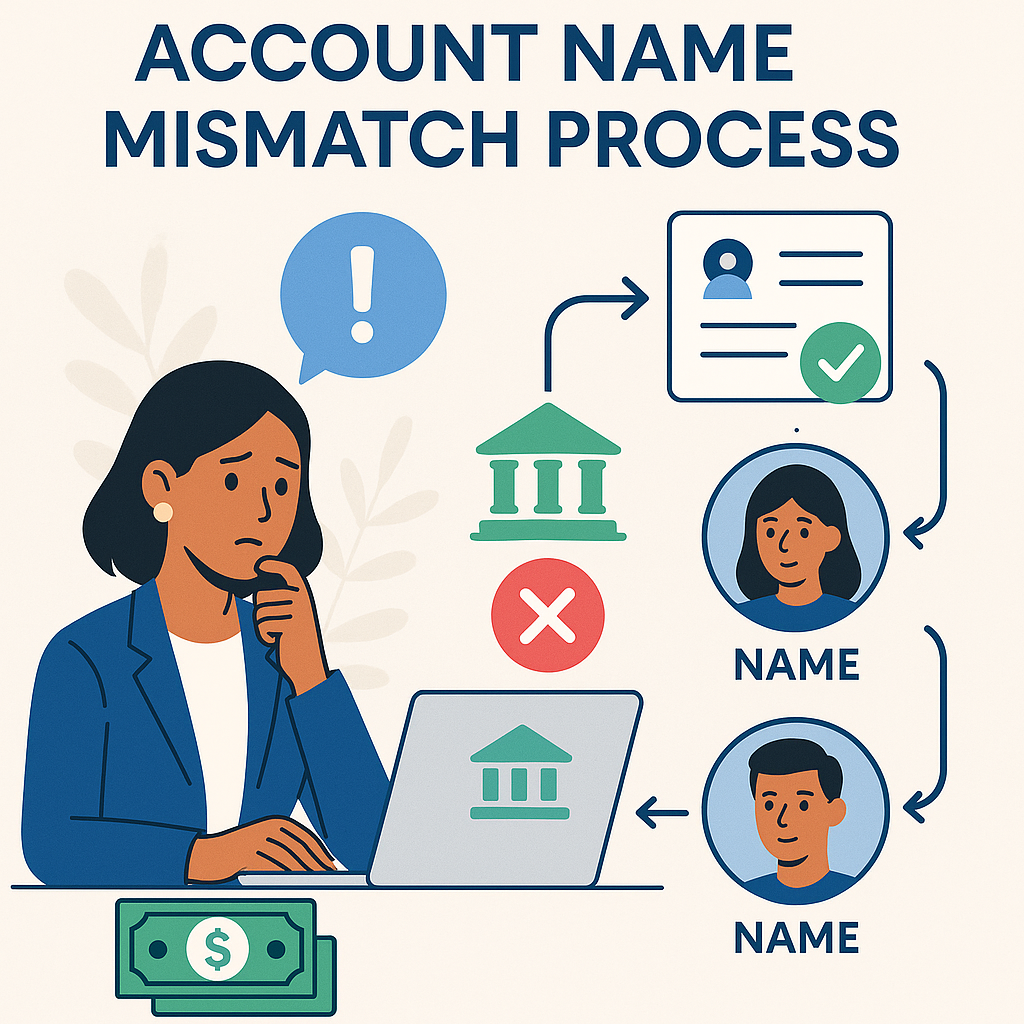
Step 1: Confirm the Correct Bank
The account used for the standard automated process must be VPBank. Do not rely solely on interface color or abbreviation; check in the official bank app.
Step 2: Confirm the Correct Account Number
Check each digit and distinguish from the card number. Only capture or send the last four digits during normal exchanges; provide the full number through a secure support form if truly necessary.
Step 3: Confirm the Account Holder
The account holder's name must be the worker logging into Earned Wage Access, not a relative or manager.
Step 4: Compare Three Data Sources
Cross-check:
Name on the current ID card;
Name in the Earned Wage Access/Nhan Kiet profile;
Name on the VPBank account.
If one source is wrong, update that source correctly. Do not change two correct sources just to match one incorrect source.
Step 5: Submit a Support Request with Sufficient Evidence
Provide name, employee ID/timekeeping code, client, error message, operation time, and the last four digits of the account. Do not send OTP, password, or PIN.
Why Is the Account Locked After Verification?
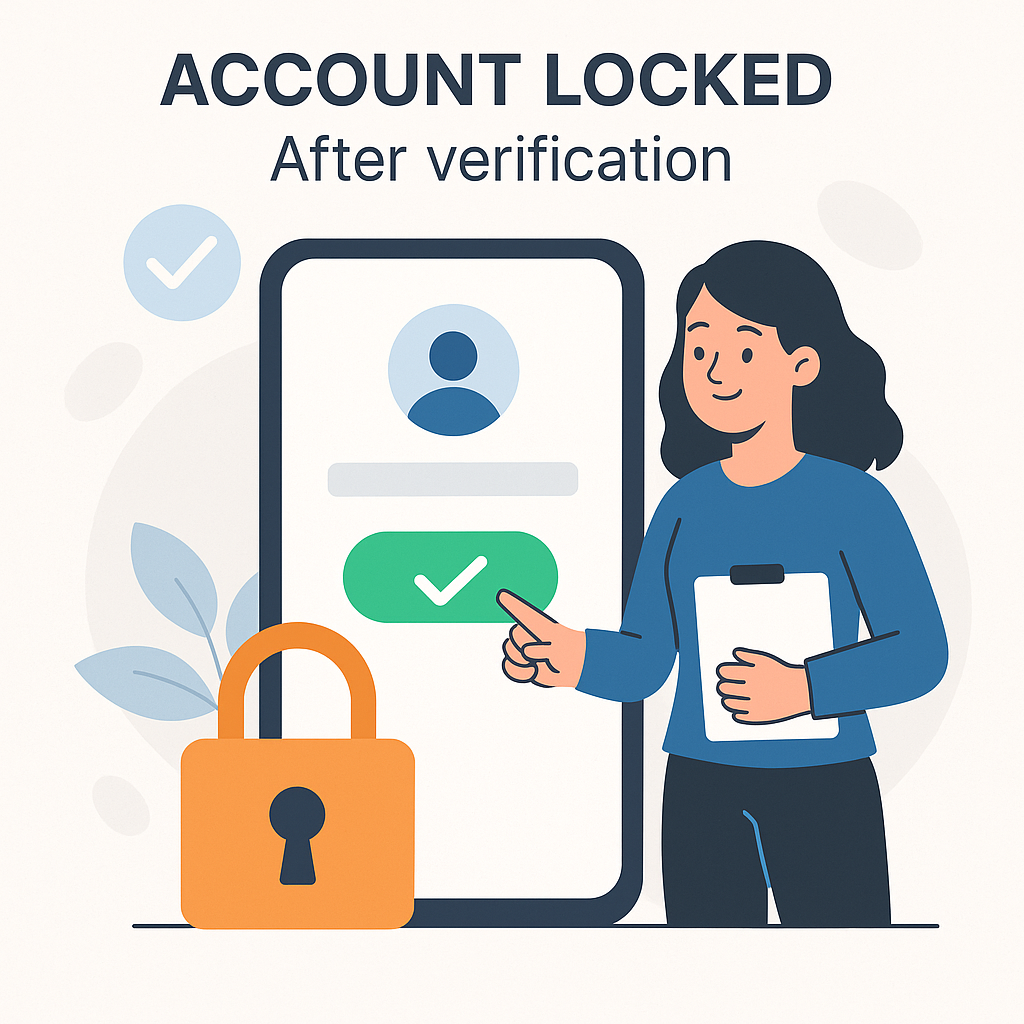
"Account lock" here does not mean VPBank locks the bank account. It means Earned Wage Access does not allow users to freely change the payment account number after verification.
If the account could be changed at any time, someone who knows the password or holds the phone could transfer the payment destination to another number. Locking helps:
Maintain stable recipient information;
Reduce the risk of incorrect payments;
Support change history checks;
Protect reconciliation processes;
Require unusual changes to go through authorized verification.
This is a protection layer but does not replace the user's responsibility to keep their phone, password, and OTP safe.
When Is It Necessary to Change the Payment Account?
Some reasonable situations include:
The old account has been closed;
The account is locked long-term;
Incorrect number was entered but verification was completed due to unusual data;
The worker is issued a new account number by the bank;
There are signs of account intrusion;
Nhan Kiet or VPBank requests an update according to official procedures.
Since the account number is locked, workers should not attempt to change the data themselves. A safe change process should include:
Re-verify the requester;
Check for no pending or unclear transactions;
Log the old and new account numbers;
Lookup the new account holder's name;
Require approval from an authorized person;
Notify the worker after completion.
Nhan Kiet needs to confirm the contact point, required documents, and official processing time before publishing the article.
Can Money Be Received Through Another Bank Account?
In the current source code, the standard automated process locks VPBank. A superadmin can manually assign another bank for special cases, but this does not prove that all workers have the right to choose another bank.
Therefore, communication content should accurately state:
> “The automatic Earned Wage Access process currently uses an official VPBank account. Special cases are handled according to Nhan Kiet's policy.”
Do not write “supports all banks” or “workers can choose any bank” without operational confirmation.
Can E-Wallets or Prepaid Cards Be Used?
Not in the current verified model. The system transfers to a VPBank bank account, not using e-wallets or prepaid cards as standard payment channels.
What Is the Account Data Used For?
Within the scope of Earned Wage Access operations, account data serves the main purposes:
Verifying the recipient;
Creating payment orders;
Reconciling transaction results;
Handling inquiries;
Connecting received amounts with the payroll period;
Preventing unauthorized changes and duplicate payments.
Nhan Kiet needs to publish a personal data protection policy, processing purposes, storage duration, involved parties, and the channel for exercising data subject rights according to legal advice. The article should not disclose internal infrastructure details or bank connection keys.
Safety Principles for Workers
(When transaction results are unclear: see Withdrawing Earned Wage Access but Money Not Received.)
Only enter a VPBank account in your name.
Check the account number in the bank app, do not use the number on the card.
Do not ask others to open or verify the account for you.
Do not give your password, OTP, or PIN to supervisors or support staff.
Do not install apps from unknown sources.
Do not create a new Earned Wage Access profile when information is incorrect.
Do not send full ID and account numbers in large group chats.
If you lose your phone, lock access and report immediately through official channels.
When changing accounts, complete pending transactions first.
Check VPBank history after each money receipt.
Sample Support Request When Account Doesn't Match
> I need support verifying my Earned Wage Access account. Name according to ID: …; employee ID/timekeeping code: …; client/workplace: …; last four digits of VPBank account: …; displayed account holder name: …; error message: …; operation time: … . I confirm the account is in my name and have not provided OTP/password to anyone. Please have the responsible department check the profile data and name lookup results.
If proof images are needed, only send through official channels and hide unrelated data.
Frequently Asked Questions
Why do I have a bank account but still haven't received Earned Wage Access?
Having a bank account is not enough. The standard automated process requires a VPBank account in the worker's name, with a verified name; also, the profile, approved work, limit, and customer features must be valid.
Can I use my spouse's VPBank account?
It is not recommended. The system requires an account in the worker's name to ensure correct payment and support reconciliation.
Is the VPBank card number the same as the account number?
Not necessarily. Get the account number from the official VPBank app, do not default to using the number printed on the card.
Will a bank name without diacritics be rejected if the ID has diacritics?
The system needs to standardize the presentation before matching. If still reported as unmatched, send support for checking; do not change your name yourself.
Why can't I change the account number?
After verification, the account number is locked in Earned Wage Access to prevent unauthorized changes. To change, follow the official verification process.
Does changing the phone number change the payment account?
Not automatically. Phone number, device, and bank account are different data. All important changes need to be verified according to Nhan Kiet's process.
Does Earned Wage Access transfer through e-wallets?
Not in the current verified model. The standard process transfers to an official VPBank account.
Do support staff need OTP to verify the account?
No. Never provide OTP, password, or PIN to anyone.
What to do if the account is verified but money hasn't arrived?
Check the transaction code and status, VPBank history, then follow the instructions in Article 30. Do not send repeat orders when the old transaction has no final result.
Conclusion
An official VPBank account is the link connecting the worker's identity, approved workdays, payment transactions, and end-of-period payroll. Name verification, profile cross-checking, and account number locking after verification help reduce errors, limit proxy withdrawals, and provide a clear basis for inquiries.
When names don't match, workers should check the correct account number, distinguish card numbers, compare ID – Nhan Kiet profile – VPBank information, and request corrections at the right source. Do not create new profiles, use relatives' accounts, or provide OTP to support staff.
References
---
Author: Nguyen Minh Khang — Strategy Team Specialist, Nhan Kiet Manpower Supply Co., Ltd.
Earned Wage Access Solutions for Businesses: Hotline 0937.022.655 · Email info@nhankiet.vn · Earned Wage Access for Businesses